
Contact UsSupport
Sign In
New Customer
Get started with 123 Reg – it only takes a minute to create an account.
Great





Take your business to the next level with a custom email address.
Save 50% with an annual term
£1.99
per mailbox/mo
With a 1-year term. You pay £23.88 today. Auto-renews annually for £47.88. Cancel anytime in your 123 Reg account. Prices exclude VAT.

Power your inbox with AI writing tools that help you draft on-brand emails faster.
Save 40% with an annual term
£2.99
per mailbox/mo
With a 1-year term. You pay £35.88 today. Auto-renews annually for £59.88. Cancel anytime in your 123 Reg account. Prices exclude VAT.

Get smarter email features and more storage to stay organised and professional.
Save 42% with an annual term
£3.99
per mailbox/mo
With a 1-year term. You pay £47.88 today. Auto-renews annually for £83.88. Cancel anytime in your 123 Reg account. Prices exclude VAT.

Unlock unlimited AI emails, run campaigns, and let customers book appointments online.
Save 37% with an annual term
£4.99
per mailbox/mo
With a 1-year term. You pay £59.88 today. Auto-renews annually for £95.88. Cancel anytime in your 123 Reg account. Prices exclude VAT.
Craft professional emails in seconds
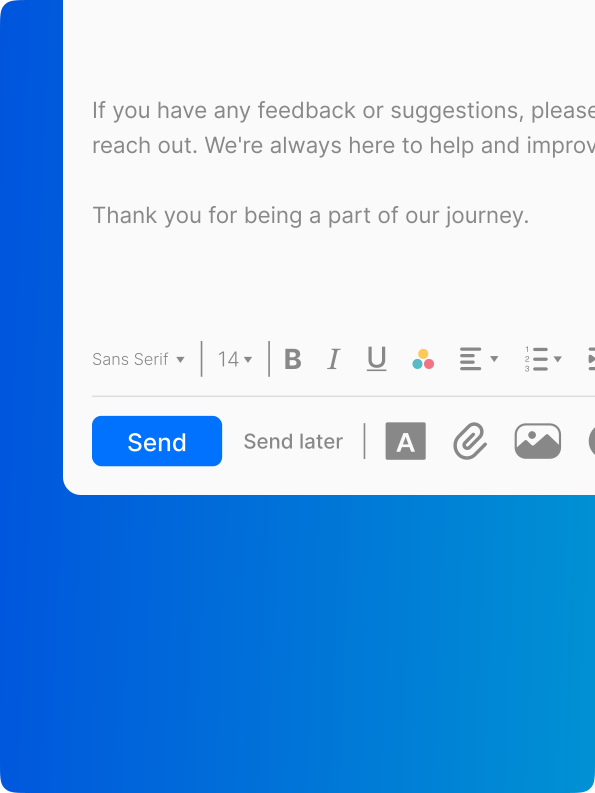
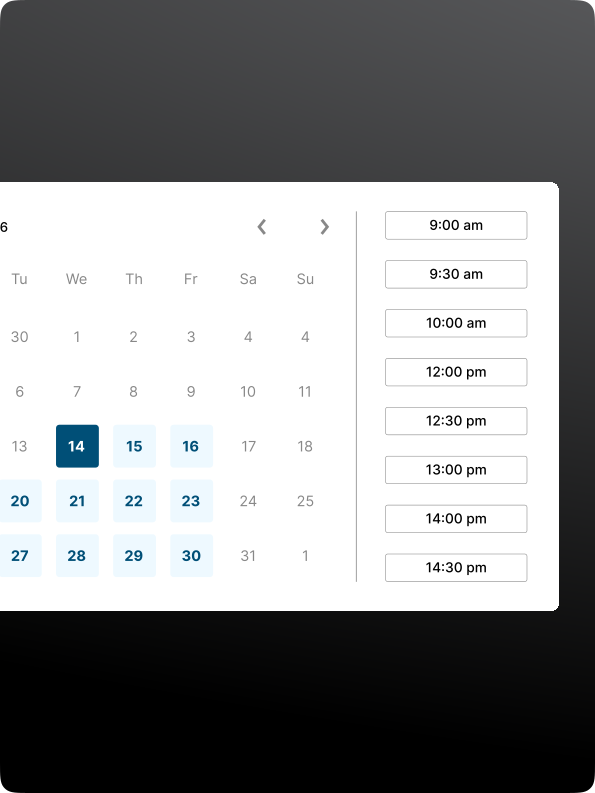
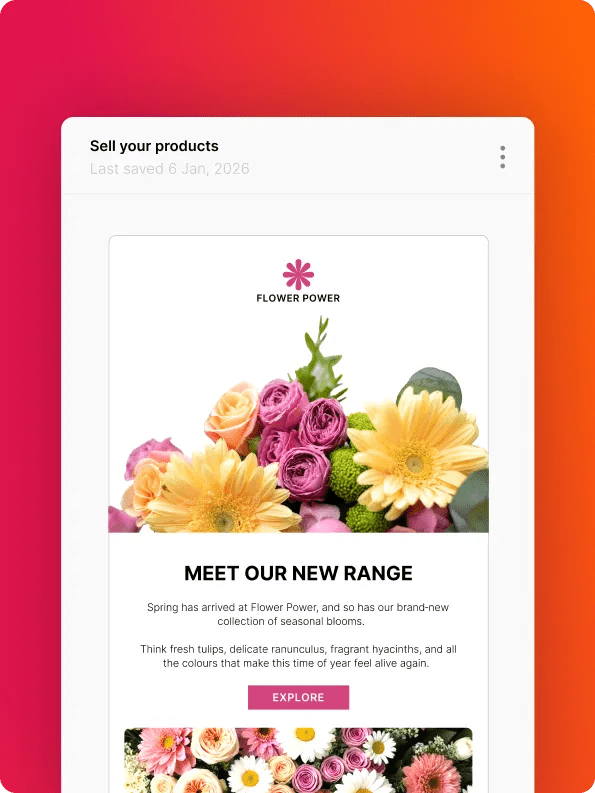

Set up your email hosting and get started in 4 simple steps:
Select your email plan
Choose the email package that best fits your needs. We’ve got options for businesses of all sizes.
Choose your domain name
Pick a domain name that suits your brand and connects with your audience.
Already have a domain? Just share it after selecting your plan and we’ll take care of the rest.
Set up your business email account(s)
Create your username and password, then set up your business email account(s) in just a few clicks.
Start sending emails like a pro
That’s it! Update your website, business cards, branding – it’s time to show off your professionalism with your new custom email address!
Email storage
Webmail, apps for iOS & Android
Anti-Spam and Anti-Virus
Multi-account support
Send Later
Turbo Search
Titan AI / Smart Write
Contact Groups
Email Templates
Read Receipts
External Forwarders
Invoice Builder
Email Labels
Priority Inbox
Email Campaigns
Advanced Tracking
Advanced Signature Designer
Appointment Booking

Our services are connected to more than a million websites and we're trusted by thousands of businesses.

Enjoy peace of mind with our money-back promise on all email plans.

If you ever get stuck, our expert team is here to help via telephone or Live Chat.
With over 25 years of industry know-how, we’re the trusted choice for thousands of businesses, hosting more than 1.7 million websites—and counting.
Work smarter with M365. Enjoy the full Microsoft suite, including Word, Excel, PowerPoint, and Teams, on any device. The perfect choice for productive teams.
✓ Collaborate in real-time using Word, Excel, and PowerPoint.
✓ Communicate effortlessly with Microsoft Teams for meetings and chats.
✓ Organise your calendar and schedule with Outlook.
✓ Cloud storage and file sharing with OneDrive.

Email Hosting gives you a custom professional email address on a secure, ad-free platform. Instead of using a generic email address like @hotmail.com or @yahoo.com, you can use an email address that matches your business, e.g., @yourbusiness.com. This makes your business look more professional and trustworthy.
Email Hosting lets you to create the addresses you need for different purposes. For example, you could create ‘enquiries@yourcompanydomain’ for new customer inquiries, and a separate address for existing customers to contact you directly. You can manage all your email accounts from one central dashboard, easily create new addresses, reset passwords, and send and receive emails from anywhere.
123 Reg also gives you plenty of storage space for your emails and easy-to-use tools to help you stay organised and on top of your communications.
A custom domain email address, like yourname@yourbusiness.com, gives your business a proper professional edge over something generic like Gmail. It helps you look established and trustworthy from the very first email.
Customers tend to feel more confident replying when they see your own domain, as it matches your brand and shows you're serious about what you do. Every message you send reinforces your business name, turning casual emails into a subtle way to build recognition.
Depending on the plan, you'll get extra storage and collaboration tools like shared calendars to keep your team organised. Professional email powered by Titan also comes with AI tools and inbox features to help you stay on top.
Business email hosting gives you a professional email address that aligns perfectly with your brand, while at the same time offering improved security, spam protection, and dedicated support. Even if you're running quite a small business or side hustle, having your own custom email address can make a world of difference to how customers view you online. Added to that, free email services often come with paid ads and slower performance, with limited features and storage space.
Yes. You can connect your Professional Email powered by Titan accounts to any email client that supports IMAP or POP, including:
For help setting up, take a look at our article: How do I add my mailbox to a third-party email client?
For details on server types, see: IMAP vs POP3.
Email forwarding can be set up through your 123 Reg Control Panel. You’ll need one active Titan mailbox on the domain before you can create a forwarder.
Email forwarding is available on Pro Plus, Premium, and Ultra plans.
For more details on email forwarders and how to set one up, see: Email forwarding explained.
Yes. All Titan email accounts are set up with SPF, DKIM, and DMARC to help verify legitimate emails and protect against spoofing and phishing.
Yes, you can! Migrating your business email from another provider to 123 Reg is easy. You’ll just need some key details to get started. Make sure you have your current email provider's settings, including your IMAP or POP server information, along with your username and password. This will help when it comes to moving your emails, contacts, and history.
Once you have this info, transferring your domain-based email just takes a few steps. First, let us know which email accounts you want to move. Once that’s sorted, pick an email plan that suits your business and choose the best date for the switch. We'll take it from there, allowing you to watch the migration in real time, with no interruption to your business.
Yes. You can upgrade to a higher Email powered by Titan plan at any time if you need more storage or extra features. Upgrades can be managed directly from your 123 Reg account.
Yes. Email powered by Titan works on any device with an internet connection, so you can check your emails wherever you are.
You can also use the Titan Mail app on iOS and Android, or connect your mailbox to your device’s built-in mail app.
Yes. Spam filtering is included to help keep junk mail out of your inbox. You can adjust your spam settings to suit your preferences. Titan’s spam protection also helps block viruses, worms, and other malicious emails before they reach you. Even with this added protection, it’s still important to be cautious when opening attachments.
Excellent customer service from Dorina
Excellent customer service from Dorina! She was patient, supportive and clearly helped me step by step to setting up my email. Great service thank you
Jess
Great help chat experience!
I had a very good experience on the chat interface with Georgiana this morning. I had some email hosting enquiries..Very quick, helpful and accurate information from her.
Robert Riddell
Simple user interface and lots of…
Simple user interface and lots of information for setting up email on devices.
Marcus
email and domain support
quick, knowledgeable and helped with everything we needed in a professional and fast manner
Riasca UK Limited
Or see how else you can contact us