Contact UsSupport
Sign In
New Customer
Get started with 123 Reg – it only takes a minute to create an account.
Great

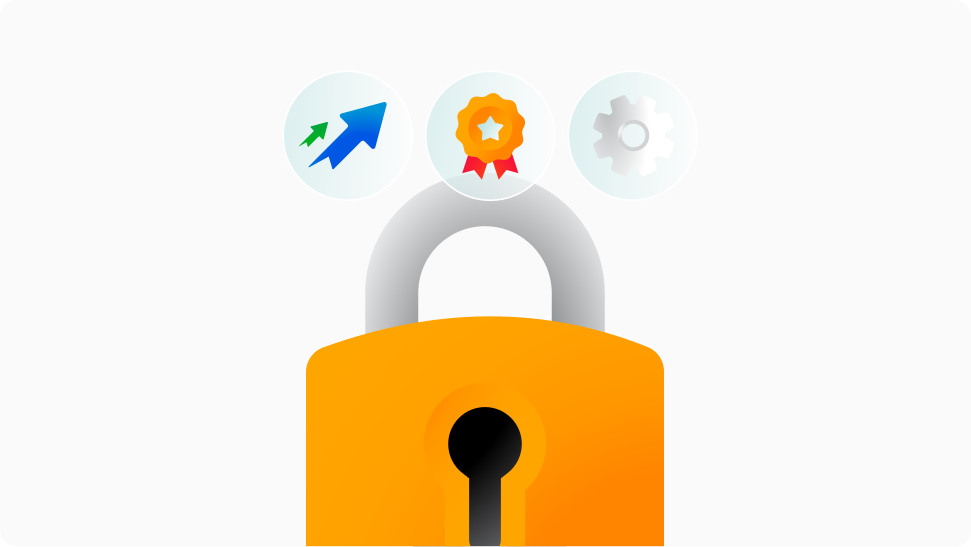
Getting an SSL Certificate protects your website by encrypting the data visitors share, like usernames, passwords, and payment details. Visitors will see a padlock and HTTPS, showing the site is secure. Search engines prefer secure sites with the HTTPS protocol, helping customers find you online.
When someone visits your site, SSL creates a secure, encrypted link between their browser and your website.
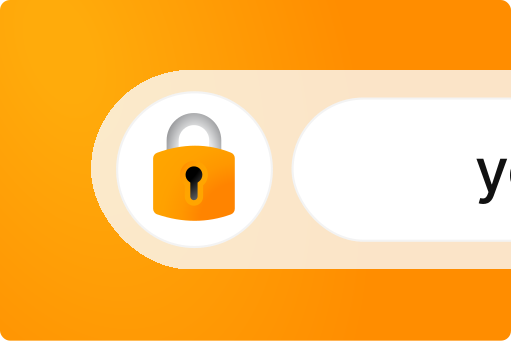
Visitors see the padlock and "HTTPS" in their browser — showing their information is protected.
All data moving between your site and your visitors is safely encrypted, keeping sensitive info private.
BEST FOR SIMPLE WEBSITES & BLOGS
Ideal for bloggers and small sites - gives you all the basics at an affordable price.
£5.00
/mo
With a 2-yr term. Pay £119.98 today. Renews at £119.98. Prices exclude VAT.
Best for fully managed security
Installation and ongoing maintenance 100% managed by our experts.*
Save 33%
£10.00
£6.67
/mo
With a 2-yr term. Pay £159.98 today. Renews at £239.98. Prices exclude VAT.
Best for business websites
Designed to meet the needs of growing online businesses.
£6.67
/mo
With a 2-yr term. Pay £159.98 today. Renews at £159.98. Prices exclude VAT.
Best for ecommerce websites
Give your visitors maximum reassurance - perfect for an online shop.
£20.84
/mo
With a 2-yr term. Pay £499.98 today. Renews at £499.98. Prices exclude VAT.

Keep data safe. All SSL plans come with high (128-256 bit) encryption that ensures transactions and keeps sensitive info secure.
Show customers they’re protected with a padlock in the browser bar and a site seal.

Get secured quickly. SSL Certificates are typically approved in 4 days or less, with some plans approved in just 10 minutes!

Search engines favour secure websites, making it easier for customers to find your business online.

Everyone’s covered. Our certificates work with all major web browsers across any device, including Chrome and Safari.

Protect customer credit card information and help your business meet the latest industry security standards.
Find out which type of SSL (Secure Socket Layer Certificate) is the right one for your business.

Why purchase SSL Certificates from 123 Reg?
Four great reasons to choose a 123 Reg SSL Certificate for your website.
SSL keeps your visitors’ sensitive data safe, building trust and credibility for your business.
With over 25 years of experience supporting UK businesses, thousands of customers rely on our services.
Our expert team is available to assist via telephone or Live Chat.
Cancel within 14 days of purchase with a full money-back guarantee.
With our Managed SSL Certificates, we handle everything from installation to renewal, keeping your site secure without the stress. Without it, you’d need to manage setup and renewals yourself. Let us take care of the technical side, so you can focus on your business.
Every site is different, but our experts can guide you based on our experience helping businesses of all sizes find the best security choice. Here’s some further reading to help you on your way. If you need any further assistance, give us a call on 0330 221 1007.
I have a website
Even if you're not running a business, selling online or collecting customer data, our basic package, Domain Validation (DV) SSL, is a great place to start. This essential security and encryption will be enough to satisfy Google’s requirements for SSL-encrypted sites, and you may see a rankings boost as a result. In addition, 9 out of 10 users are more likely to trust a website with visible security indicators like the padlock in the search bar.
Recommended: Domain Validation (DV) SSL

I'm using a content management system (CMS) like WordPress, Drupal or Joomla
If you're running your website with a content management system, you should secure your login and administrative areas, protect customer data transfer and ensure that feedback received from your comment sections and forms remains confidential. We’d recommend either Domain Validation (DV) SSL or Organisational Validation (OV) SSL in this situation, depending on the level of customer confidence you’d like to display.
Recommended: Domain Validation (DV) SSL or Organisational Validation (OV) SSL

I have a website with a customer or user login area
If you have a customer login, any protected content or collect any form of confidential data, you need our Organisational Validation or Extended Validation SSL for our maximum security and the highest level of customer confidence. Both offer high security, but Extended Validation (EV) SSL Certificates are ideal if you want to offer extra reassurance to your visitors and make every transaction a confident one.
Recommended: Organisational Validation (OV) SSL or Extended Validation (EV) SSL

I have an online shop
For any online retailer, we recommend Extended Validation (EV) SSL. This ensures your payments, customer logins and members-only areas of your site remain secure from online threats. According to a recent study, 90% of users are more likely to leave their details or make a purchase when they know that their data is sent over a secure connection.
Recommended: Extended Validation (EV) SSL

I need to protect lots of subdomains

I run my own MS Exchange Server
I want to secure my Intranet and/or VPN
With over 25 years of industry know-how, we’re the trusted choice for thousands of businesses, hosting more than 1.7 million websites—and counting.
Anyone who does business online should be using an SSL Certificate for their website. Although they’re frequently used with ecommerce websites, they should be used on any sites where sensitive information is exchanged, such as:
Entering credit card details
Logging in with a username and password
Viewing or sending emails
Downloading a customer database
Conducting online banking or sharing financial details
Chatting in a private room
Installing your SSL Certificate is a multi-step process, in which you will need to request, verify and download your Certificate files.
For more details on each step, please read the following article: How do I install my SSL Certificate?
This type of Certificate secures your domain name as well as an unlimited number of subdomains.
For example, www.yourbusinessname.com, shop.yourbusinessname.com, and secure.yourbusinessname.com can all be protected with a single Wildcard SSL Certificate.
It works the same way as a regular SSL Certificate, undergoes the same validation processes, and is available either as Domain Validation SSL or Organisational Validation SSL.
When generating a Certificate Signing Request (CSR) for a Wildcard Certificate, add an asterisk (*) to the left of the Common Name where you want to specify the wildcard.
Examples:
*.yourbusinessname.com secures www.yourbusinessname.com, secure.yourbusinessname.com, etc.
www*.yourbusinessname.com secures www1.yourbusinessname.com,
www2.yourbusinessname.com, etc.
*.mail.yourbusinessname.com secures secure.mail.yourbusinessname.com,
www.mail.yourbusinessname.com, etc.
It might sound complicated - but it's really not! Our friendly support team are ready to help you should you need any guidance.
Starfield Technologies has been a Certificate Authority since 2004 and have over 1 million active SSLs in use around the world which receive over 1 billion security checks every day. Starfield certificates are trusted by every major browser in the world.
Starfield are committed to ensuring high performance standards and maintaining their high levels of security. They successfully complete 3 annual WebTrust audits of their SSL Certificates and are members of Microsoft, Mozilla, Apple, Google and Oracle's root programs, among others.
Alongside this, they are also a founding member of the CA/Browser Forum and participated in the development of the EV SSL standard.
Absolutely. Just choose the option you think fits best. We'll walk you through the process and explain every step, so you'll always know what's coming next and how to get it done right.
The process differs a bit depending on how you plan to use your Certificate:
* I'm buying an SSL and domain name at the same time: We'll take you through the normal ordering process so you can find the domain you want to add the SSL Certificate to it.
* I want to buy a standalone SSL: Standalone Certificates must be purchased through your 123 Reg Control Panel. You must sign up to get a 123 Reg account (if you don’t already have one), then log in to our site and place an order through the Control Panel.
Once your SSL Certificate has expired, you will no longer be able to renew it as it will become invalid.
To prevent this from happening, you can set your Certificate to auto-renew within your 123 Reg Control Panel. Alternatively, you can manually renew your Certificate up to 120 days before and 14 days after the expiration date by following the steps outlined in the following article: How do I renew my SSL Certificate?
When you buy an SSL Certificate, the issuing authority will perform some checks on you or your business to verify your identity.
This step is important as it's only by ensuring SSL Certificates are issued correctly that the security of the system can be guaranteed.
A great company to deal with
A great company to deal with. Prompt service - thank you Elena!
Sami
Excellent Service
Deea was so very helpful and sorted out my SSL Certificate problem in minutes. Many many thanks
Margaret Roberts
Great Support
I needed some help with an SSL Certificate and Elena sorted it within a couple of minutes. Very satisfied.
Paul Keeton
Excellent Service
Excellent Service. Easy to get hold of support and issue resolved immediately.
Stu Cowan
Or see how else you can contact us