
How do I log in to the 123 Reg Control Panel?
This article will show you how to log in to your 123 Reg account and access the Control Panel.
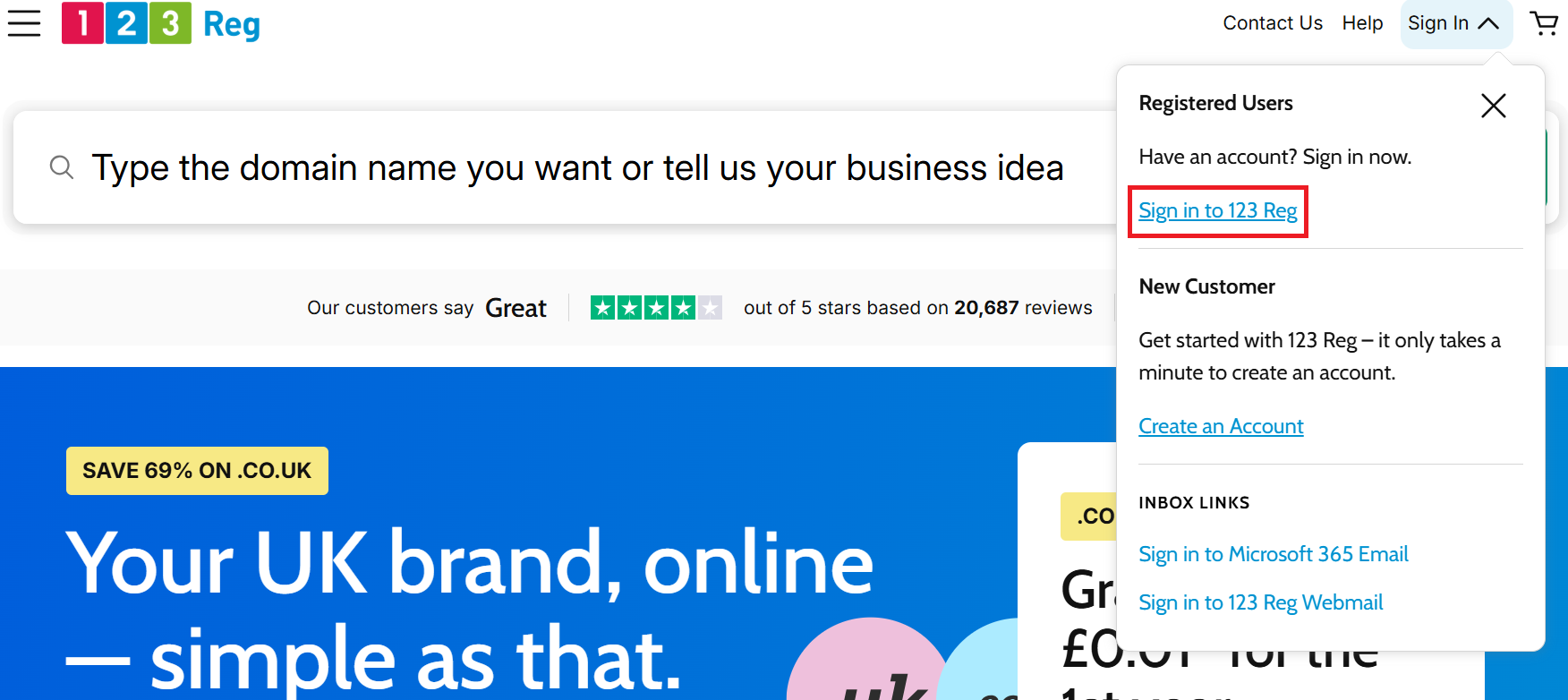
If you already have a 123 Reg account, select Sign in to 123 Reg from the header of our website and enter your email address and password. If you don’t have a 123 Reg account yet, select Create an Account to register one.
Once logged in, you’ll be taken to the Control Panel. You’ll arrive at Account Settings, where you can manage your personal details and billing information. You can also select My Products to access your products and services.
If you’ve lost your password, you can request a new one. If you still experience issues, please contact our Support team.
Tip: if you’re using someone else’s computer, please remember to log out of the Control Panel when you finish your session. Remaining logged in may allow another user access to your personal details.