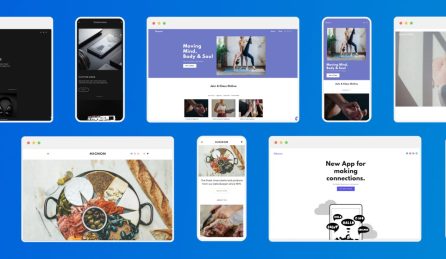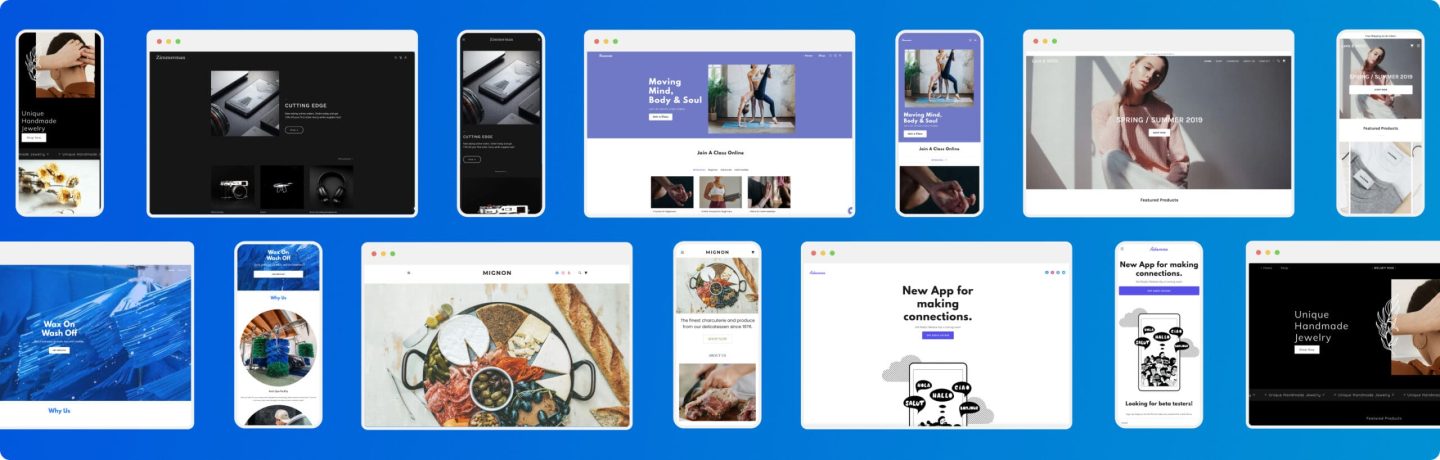
Website Builder has always been the perfect tool to let anyone build a website, without needing any technical knowledge.
In late February we made it even better, adding new features and making it even easier to use.
It’s all very well to read about these changes, but we thought you’d like to see the new editor in action. So we sat down with Camille Simpson from the product team to be shown how to use the new editor.
Camille took us through the basics of how to get started; how to lay out your website and your pages; how to add text and images to your site; or import them from another one; and how to personalise your site to every visitor.
If you have any questions about Website Builder please ask us a question on Facebook or Twitter.
Getting started
Now I am going to run through the basics of getting started with Website Builder.
The great thing about Website Builder is the easy to use drag and drop interface, which allows you to quickly create your own professional website without needing to know how to code.
Amongst the many design widgets which will help you to structure your website, there are many popular features such as social media buttons, video widgets and Google maps that can be added to any page on your website.
Once you’re ready to start creating your website, you can start by selecting your own customisable template.
The template selector is great as you can select a style which matches your business needs.
There are loads to choose from, and they’re all mobile, tablet and desktop responsive, meaning they will work well and look great on any device.
If you already have a website online or a Facebook page for your Business, you can use the Import Content tool to easily pull in your images and other content straight into your gallery, which you can then use to help create your new website.
Your website structure is important, so have a think about how you want everything to look on the page.
Remember you can simply drag and drop the elements that you want, straight into your website design.
You can also adjust the layout of your site to add in your uploaded images and text wherever and however you want.
Have a think about the overall aim of your website and what its purpose is.
Try to choose images that best promote your service or what you’re selling.
This will help to entice potential customers to want to stay on your website for longer and potentially visit you.
You can also enhance your website with any videos you may have, your social media accounts and maps to help your customers locate you.
There are many great options which will help you to make the most of your Website Builder package and create the website you want.
Now let’s look at laying out your website in more detail.
Laying out your site video
If you’re creating a website for the first time, it can be intimidating trying to figure out the best way to lay all your elements out.
You might have trouble deciding how many pages to add, where to put your text and images, or even how to build up your pages.
Well within Website Builder, there are many tools which will help you to easily structure and lay out your website.
Let’s have a look at them now.
Within your selected template, you’ll be given a default set of pages, this may include an About us, a Contact page, and your Home page.
If you wish to change the names of any of these pages simply click on Pages.
Click on the settings icon and then click on rename.
You can then rename the page and click rename.
This will update the page name in your menu, navigation bar and anywhere else you see the page name.
If you wish to add any new pages to your website just click on new page, you can then select the type of page you require, name it, and then click on add page.
Once you have all the pages you need for your website, you can use the Widgets menu to add in boxes for your images and other content.
These boxes are also great if you’re building up a page from scratch, just drag and drop the box you want straight onto your page.
You can then click each box and swap out the template images for your own, and add in text to describe your own business.
If you have a Contact us page you can easily add in a location map, so your customers can see where your business is, and know how to reach you.
If there’s already one within your template, just click on it and enter in your business address.
If you already have social media accounts set up for your business then you can add these into your website.
Drop in the social media widget, and then customise it with your own details to get your accounts active on your site.
Simply click on one to edit the details; and how the icons look.
Remember, all of the elements are easily customisable and the great thing about drag and drop is that you can choose exactly where you want each widget to be placed.
You can delete any boxes or areas that you do not need for your website by right clicking on the section and clicking delete.
Now you know how to layout your website, let’s move on to making it look great using the design tools in your Website Builder package.
Designing your site
The look and design of your website is hugely important.
If your website design doesn’t look professional or doesn’t advertise your business, then it won’t appeal to your potential customers.
A well styled website will encourage visitors to stay on your website and potentially purchase from you, as it will look professional and appealing.
You may already have some idea of how you want your website to be designed, but aren’t 100% sure on how you can achieve the look you want.
Don’t worry, you’ll find some tools that can help you style your website within your Website Builder package.
If you click on design, within the Global text menu you’ll be able to select and change the font for your website. You can also change the font colour and size.
You can also change the size and colour of your headings, changing this will affect all of the headings across your website.
In Tablet and Mobile Layout, you can decide how your mobile and tablet users will view your website.
In Site Background, you can choose an image which will be used for the background for all of your pages.
This will depend on your business; you may already have an idea for an image that you want to use.
But if you’d prefer, you can choose to use a background colour instead.
You can choose to use a plain colour background or one that’s part of your company colour palette.
Try to use a variety of images across your website which promote your business. You can also use colour overlays for your images which will help your text stand out in important places.
You may have sections of your website that you wish to change the colour of. Just right click on the section and click on edit.
You can then click on style and change the background colour here.
The style options will help you to easily design your website and make it look professional.
Remember that design is the key thing that will entice potential customers to stay on your website, so it’s worth investing some time into making your website look exactly the way you want it to, in order to showcase your business.
This is a good time to start thinking about any of your own images and content you want to add to your website. Let me show you how easy it is to import these using Website Builder.
Adding images/importing from Facebook page video
So you’re creating your website, and are at the stage of wanting to add in images of your business, your company logo or maybe videos.
You may also be ready to add in your Business contact information.
The import content tool within your Website Builder package makes this very easy to do.
Once you’re logged in, click on Content.
You can use this section here to update your business information.
Simply add in your Business phone number, email address, your business address and you can also connect to your Facebook and other social media accounts within this menu.
Just remember to click save once you’re done.
If you already have a website online, you can use Website Builder to import your existing website content into your new website.
Say you have a Facebook page set up for your company; you may want to import some of the written content that you’ve created.
Simply right click over the section where you wish to place the text and click on pull text.
You can then enter in your Facebook page or web address, highlight the text that you want to add in and this will import the text into your new site.
This also works for images, just click on the green Import Content button.
Now type in the URL for your existing website and click on import.
This will import content from the website; including images, contact information, and anything else you may have such as videos.
Once this content is displayed here, you can click here to save it.
You can now manage your content within your library, just click on manage images and then click here.
You’ll see all of your images here.
If you wish to upload any additional images that you may have, click here on upload new image.
You can then simply drag and drop your images, or pull them from one of your online services by clicking here.
Once your content is uploaded, it will appear in your image library.
To upload other types of files such as videos, simply click use the manage files option.
Now you know how to create a website, it’s time to see how you can tailor it to your customers using the Personalisation tool in your Website Builder package.
Personalisation
So your website is perfectly structured and designed, your logo is created, all of the text is relevant and engaging and it’s mobile responsive.
However, to further enhance user experience and keep customers on your website for long enough to purchase, it’s a great idea to tailor your website to them.
Choosing to target your visitors by location, or whether or not they are a new or returning customer will help them to feel special when visiting your website, which means they are more likely to stay on your website.
Let’s see how this works.
For example, you may have customers looking at your website from various locations.
If someone accesses your website using a mobile phone from a very close proximity, then you can choose to display the click to call icon.
If they’re further away from where your business is located, you could choose to display a map, or even a discount voucher to entice them to visit your business.
There are many different ways to tailor your website to your customers, let’s have a look at the Personalisation options on your Website Builder package to try one out.
Once you’re logged into your package, click on personalise.
So say you’re targeting local visitors to your website, click on Visitors Nearby.
Click on edit rule and then simply click which devices you would like the personalisation to appear on and click next.
You can select the location, so say your business is located in North West London, you can create a rule so that anyone visiting your website who happens to be in close proximity to your business will see the pop up on their device.
Click on next and you can decide which page you would like the personalisation to appear on.
You can now edit the personalisation.
When you’ve finished editing, click on done and you can select a name for the rule, you can then preview it.
If you’re happy with how it looks, click here to save it.
Remember you can add as many personalisations as you require, and customise them how you like.
With all this effort you’ve put into building your website, you’ll want to make sure it gets seen. I’m now going to show you how you can improve the visibility of your website using the SEO tools in your Website Builder package.
SEO tools
So your website is complete, it’s designed and laid out just how you want it, and you’re ready to put it live on the web.
But there’s no point having a perfectly designed website if no one can find it.
This is where search engine optimisation comes in and makes it a lot easier for your website to be found.
By making a few changes and improvements to your website and through editing some of your website settings, you can ensure that your customers are finding you online.
Your website’s visibility is hugely important, you want it to stand out amongst your competitors and be the first choice when a customer searches for your product or service on a search engine.
By using SEO tools which are already integrated within your
Website Builder package, you can further improve the visibility of your website, ensuring that it’s found by your customers.
Let’s see how these settings work.
Within your Website Builder package, have a look in the Settings menu.
Click on Site Icons, and just here you will see the Favicon option.
This is a small icon which will appear in the browser tab when a customer is viewing your website, so you may wish to use your company’s logo, to make it easily recognisable.
Now click on SEO and we can add in some settings to increase your website’s visibility.
Just here, you can type in a Site Title, this is the name of your website.
This title can be taken from your website’s domain name.
So say your domain name is www.coffeeplus.co.uk then your site title could be Coffee Plus.
Adding a site title contributes to your website’s overall SEO, helping search engines to recognise what your website is about which helps to push your website higher up Search results.
Your site description is exactly what it says.
Just write a short description of your website in here, be sure to keep it relevant to what your website is bout, and what you are selling.
This will help search engines such as Google to better understand what your website is about.
And just here you can enter in some keywords about your business.
So looking at our same example, your keywords could be ‘coffee’, ‘cappuccino’, and phrases such as ‘local coffee shop’ and whatever else you feel is relevant to your business.
This again will help to boost your site’s visibility on search engines, meaning that customers will find your site easier.
There’s just one more thing, for users who are redirecting their visitors from an old website to a new one, you can create a new redirect here.
In here, type in the domain name for your old website and just here, select the page on your new website that you would like users to be redirected to, so you’ll most likely want to choose your homepage.
Great, well that’s your basic SEO tips covered.
These settings will help to improve your website’s overall SEO, helping to push your website further up Google search rankings.
Now you have all the information you need to make the most out of your Website Builder package and build an impressive website that you can use to promote your business online. If you ever need any further help with your package, you can head to our Support site where you’ll find a huge range of step-by-step guides to help you with all aspects of Website Builder.