
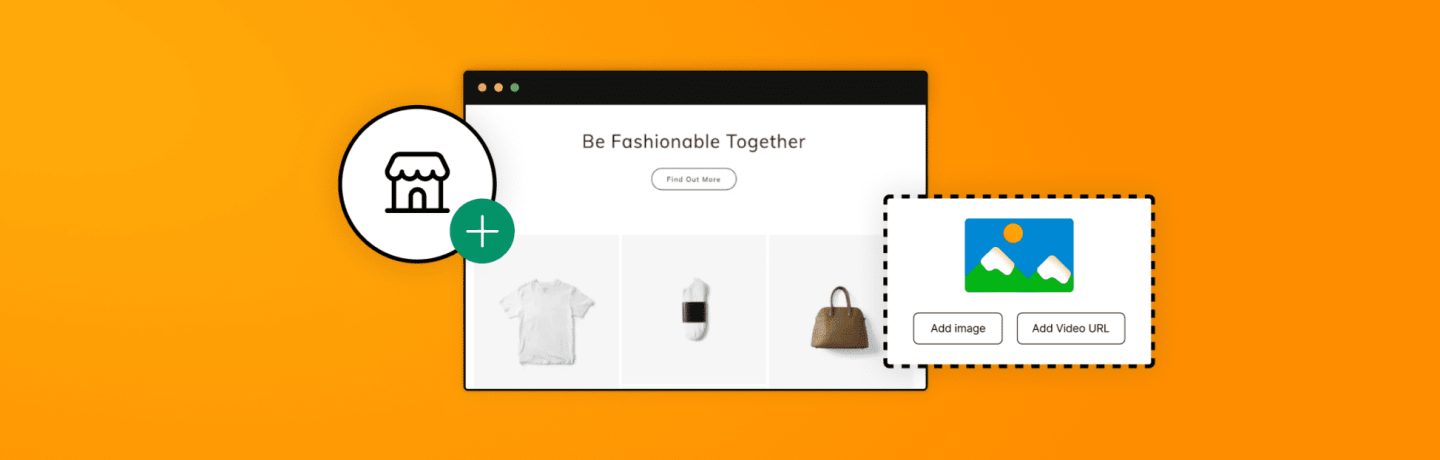
Learn how to create your first website with 123 Reg Website Builder. This step-by-step tutorial shows beginners how to pick a template, add content and branding, and publish a professional business site in minutes.
What you’ll learn
In this video, Jon walks you through building a website from scratch using 123 Reg’s Website Builder.
Small business, side hustle, or your very first website, this video shows how simple it really is to go from a blank page to a live website in minutes. By the end, you’ll have a professional, ready-to-publish site, and proof that building your website with 123 Reg really is that easy.
You’ll learn:
✓ How to choose a business category and get a tailored starting point
✓ How to name your project and add your contact details
✓ How to use AI to generate your first website copy
✓ How to edit text, images, and sections in the Editor
✓ How to personalise your site with a logo, colours, and fonts
✓ How to add a new page and preview your site on desktop and mobile
✓ How to publish your website – connected to your own domain!
Ready to get started?
Explore 123 Reg Website Builder plans and build your first website today.