


A server is a computer that stores and delivers information to other computers over the internet.
Whenever you visit a website, send an email, or download a file, a server is responsible for handling your request and sending the right data back to your device, typically in fractions of a second.
What does a server do?
At its core, a server responds to requests. When you type a web address into your browser, your device sends a request to a server, which then locates the relevant files and delivers them back so the page can load.
A useful way to think about this is as a library system. The server stores all the “books” (your website’s files), and when someone asks for something, it quickly finds and delivers exactly what’s needed.
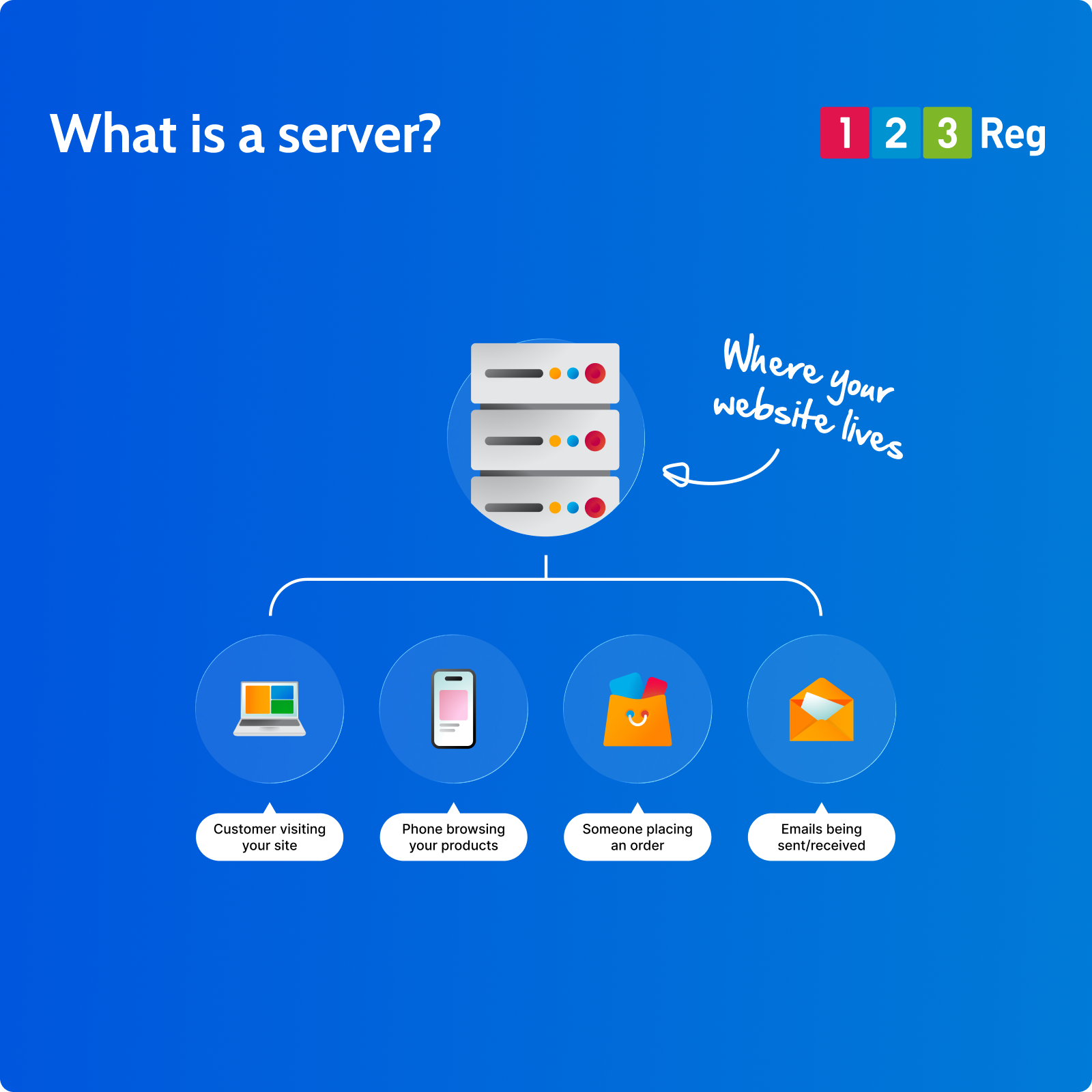
Servers make it possible for websites and online services to be available at any time. They store and deliver:
They help power:
✓ Website files such as text, images, and code
✓ Emails and messaging data
✓ Application data for online tools and platforms
✓ Downloadable files and media
Why do servers matter for your website?
Without servers, your website (and the internet) simply wouldn’t function.
If you want a website to be accessible online, it needs to be stored somewhere—that’s the role of a server.
When you buy a hosting plan, you’re renting space on a server where your website’s files live. The server ensures your site is available to visitors whenever they try to access it.
The type and quality of server you use can directly affect:
☐ How quickly your website loads
☐ How reliably it stays online
☐ How well it performs under traffic
What are the different types of servers?
Not all servers are the same. Here are the most common types you’re likely to come across:
Shared hosting servers
Your website shares a server with other sites. It’s cost-effective and ideal for small or new websites.
Virtual Private Servers (VPS)
A shared server that’s divided into isolated sections, giving you more control and consistent performance.
Dedicated servers
A server used entirely by your website, offering maximum power and flexibility.
Cloud servers
Instead of one physical machine, your website runs across a network of servers. This makes it flexible, scalable, and reliable.
Servers and web hosting
When most people talk about servers in the context of websites, they’re really talking about web hosting. Hosting is simply the service that gives your website space on a server.
At 123 Reg, we offer a range of hosting plans depending on what your website needs:
Web Hosting is our entry-level option, ideal for straightforward websites and those just starting out. It’s simple to set up and takes care of the technical side for you.
Premium Hosting gives you more power and resources, making it a great fit for growing websites that need a bit more behind them.
VPS Hosting is for websites that need serious performance and control. With a Virtual Private Server, your resources are dedicated to you, so your website isn’t affected by other sites sharing the same machine.
Not sure which one’s right for you? As a general rule, start with Web Hosting and upgrade as your website grows.
Don’t want to think about servers at all?
You don’t need to think too much about servers with most hosting plans. With 123 Reg Website Builder, the setup, maintenance, and technical management are all taken care of for you behind the scenes, so you can focus on building and running your website.
How does a server connect to your domain?
Your domain name (like yourbusiness.co.uk) and your server are two separate things. Your domain is your web address; your server is where your website actually lives.
To connect the two, you point your domain’s nameservers to your hosting provider. Once that’s done, visitors who type in your domain will be directed straight to your server and your website will load.
If you you’d like to understand more, take a look at: How Do I Connect My Domain to My Website? and What are Nameservers and How Do They Work?
Getting started with hosting
Understanding servers helps you make better decisions about your website’s performance and reliability. The next step is to choose a hosting plan that matches your needs, and with the flexibility to grow over time.