
Every time someone visits your website, they leave a trail. Website analytics is how you read it.
For website owners, this turns everyday activity into something genuinely useful. Rather than guessing what’s working, you can see how people actually use your site — where they lose interest, and what keeps them coming back.
Why analytics matters
Most small business owners build a website and then wonder whether it’s actually working. Website analytics answers that question.
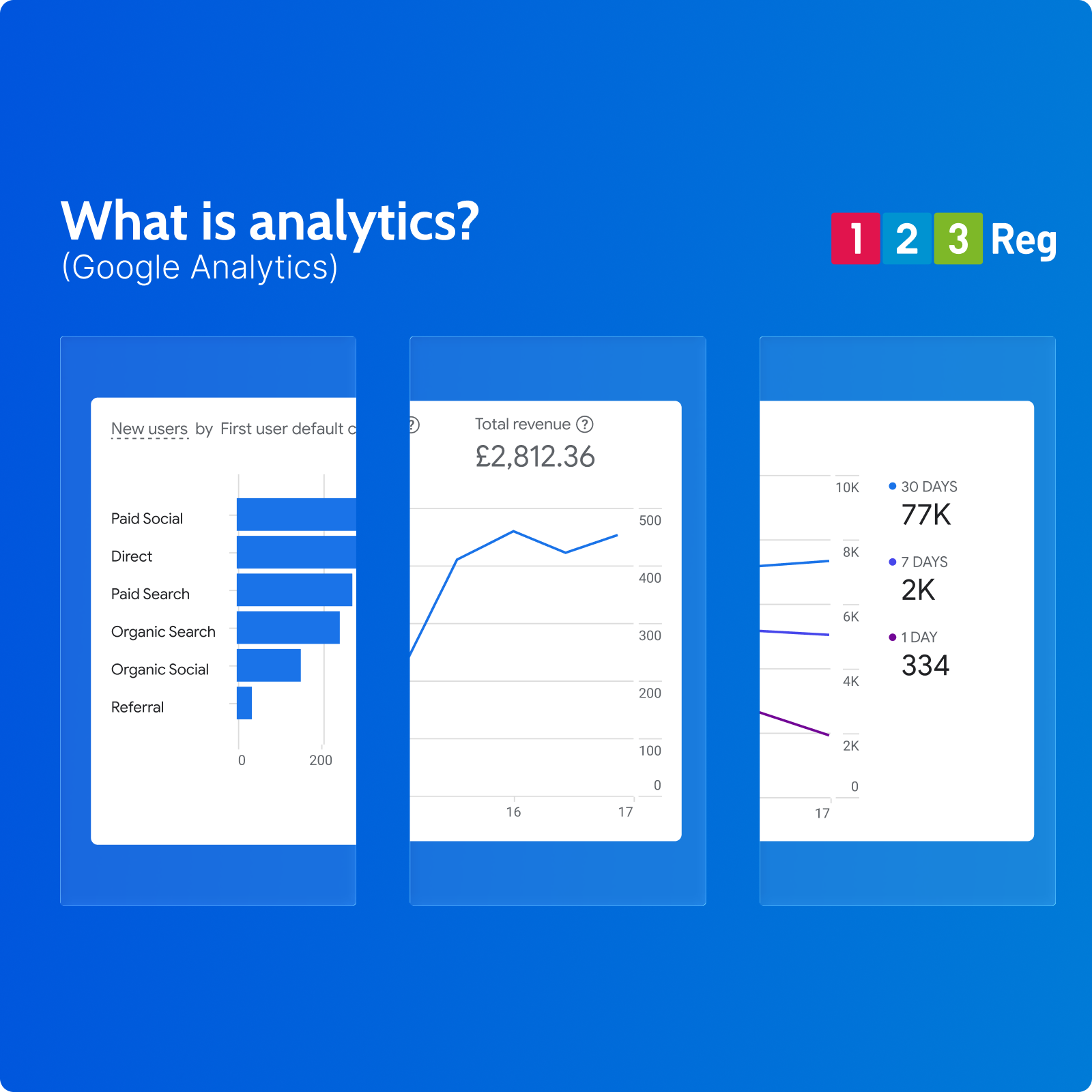
Tools like Google Analytics show you who’s visiting, how they found you, and what they do once they arrive. If you’re running ads, publishing content, or trying to attract customers, it gives you a clear, honest picture of what’s pulling its weight and what isn’t.
What businesses can learn from analytics
From traffic and behaviour to devices and page performance, a good analytics setup can tell you:
☐ Which of your pages gets the most visits
☐ How people find your site (search, social media, etc)
☐ What devices they’re browsing on (mobile vs desktop)
☐ How long visitors stay on each page
☐ Where users go… and where they tend to drop off
Over time, this gives you a clearer picture of where to focus your time and budget.
Turning data into action
The businesses that get the most from analytics aren’t necessarily the ones with the most data. They’re the ones that act on it.
A few small changes, made consistently, can add up to a meaningful difference.
✓ Improve your most-visited pages.
High traffic is only valuable if those pages are pulling their weight. Check that the information is clear, the next step is obvious, and the page is easy to use on mobile. These are your best opportunities to turn visitors into customers.
✓ Fix pages with high drop-off rates.
If visitors are leaving a page quickly, something isn’t working. The content might not match what they expected, the page could be slow to load, or it might be hard to read on a smaller screen. Small fixes here can make a real difference.
✓ Double down on what’s working.
If a certain landing page or blog post is consistently bringing in visitors, don’t ignore it. Building on existing success is often more effective than starting from scratch.
✓ Review your traffic sources.
Knowing where your visitors come from matters as much as knowing how many you get. If one channel is driving most of your traffic, make sure you’re not too dependent on it. A mix of search, social, and direct visits makes your site more resilient.
Getting started with analytics
If you haven’t set up analytics yet, Google Analytics is free and easy to use. Most website platforms, including 123 Reg Website Builder, make it simple to connect.
Once it’s in place, even a quick check once a week can start to shape how you think about your website and where to focus.
For a deeper look, check out: Google Analytics – A Guide For Your Online Business